
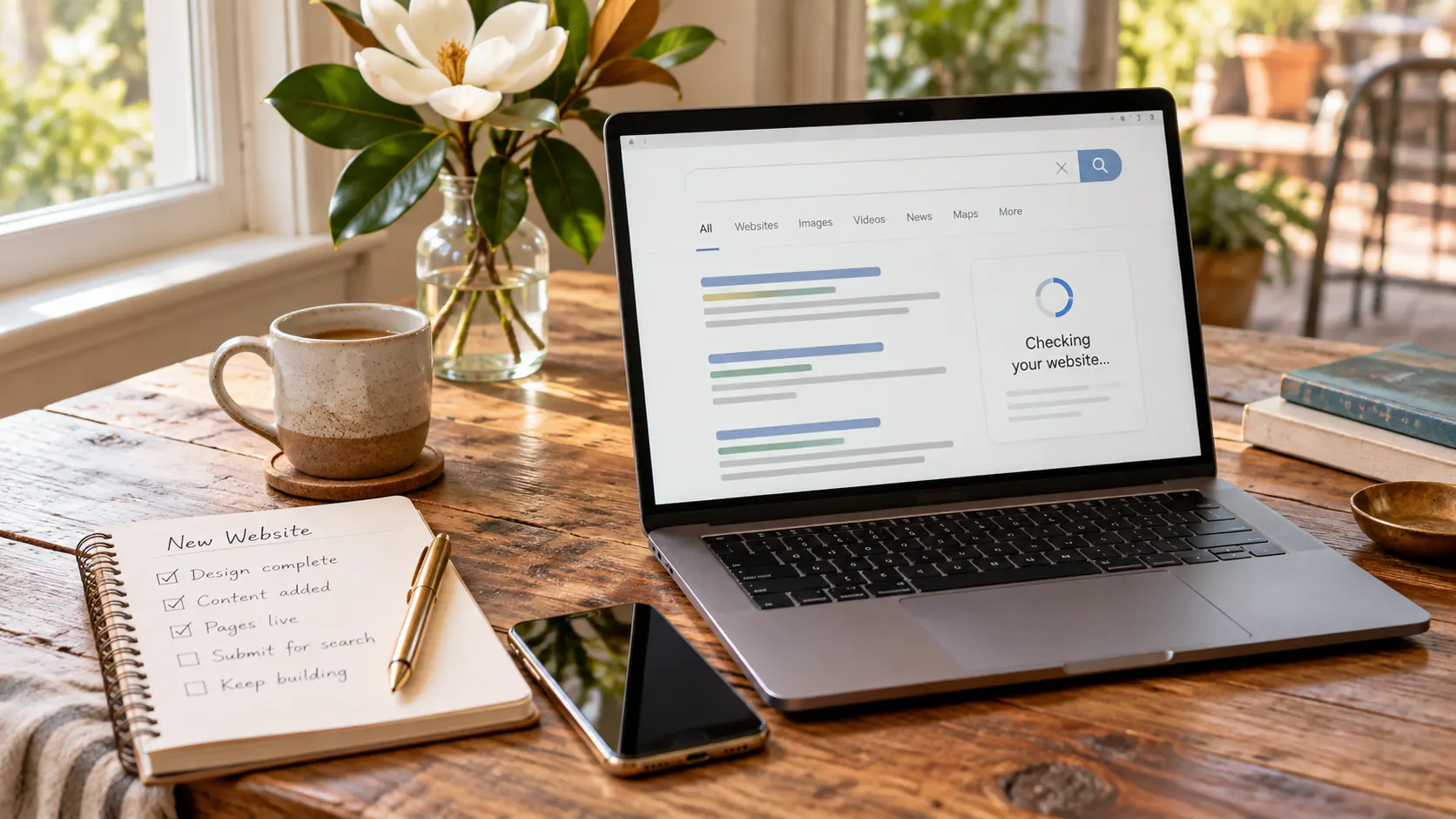
Why Isn’t My New Website Showing Up on Google?
Google Search • A Practical Owner’s Guide
Your website is live. So why can’t you find it on Google?
A new website not showing on Google does not automatically mean something is broken. Google must discover the site, crawl its pages, decide what each page is about, and determine when those pages are useful enough to show for a search.
Quick answer
A brand-new website may take several days or several weeks to be crawled and indexed. Start by inspecting the exact URL in Google Search Console. Then confirm that the page is public, indexable, included in the sitemap, linked from other pages, and useful enough to deserve a place in search results.
First, Separate the Steps
Live, indexed, and ranking are three different things.
A website can work perfectly for visitors without appearing in Google yet. Understanding the stages keeps you from fixing the wrong problem.
Google finds the page.
Googlebot follows links and reads sitemaps to discover new or updated URLs. A page that is isolated from the rest of the site is harder to find.
Google evaluates the page.
Google processes the text, images, title, links, and other signals. It may index the page, choose another canonical version, or decide not to store it yet.
Google decides when to show it.
An indexed page still has to earn visibility. Relevance, usefulness, competition, location, authority, and search intent all affect where it appears.
Seven Practical Checks
Work through these before assuming Google ignored your business.
Each check answers a different question. Take them in order and document what you find.
Inspect the exact URL.
Open Google Search Console’s URL Inspection tool and paste the full page address. The report can show whether Google knows the URL, whether crawling is allowed, and which canonical page Google selected.
Confirm indexing is allowed.
Look for an accidental noindex setting, a robots.txt block, password protection, maintenance mode, or a staging-site setting that carried over during launch.
Check the sitemap.
Your XML sitemap should contain the preferred page URL and be readable in Search Console. A sitemap helps discovery, although it does not guarantee indexing or rankings.
Verify the canonical URL.
HTTP and HTTPS, www and non-www, trailing slashes, duplicate drafts, and old URLs can create competing versions. Redirects and canonical tags should point consistently to one preferred address.
Add useful internal links.
Link to the page from relevant navigation, service pages, articles, or a hub page. Internal links help visitors and crawlers understand where the page belongs.
Make the page worth indexing.
A thin page that repeats another page gives Google little reason to keep both. Add clear answers, original business details, useful examples, accurate headings, and a distinct purpose.
Request indexing once.
If the page is accessible and important, request indexing through URL Inspection. Repeating the request does not make Google crawl the page faster.
Important: Google says crawling may take from a few days to a few weeks, and submitting a request does not guarantee immediate inclusion. A valid live test means the page can probably be indexed—not that it will rank right away.
For Covington and Northshore Businesses
Being indexed is only the beginning of local visibility.
A Covington business may be indexed for its exact name but still remain invisible for broader searches such as “web designer near me” or “local marketing company.” That is usually a ranking question rather than an indexing failure.
Signals that help Google understand the business
- A complete and accurate Google Business Profile
- Consistent business name, address, and phone information
- Clear service and location language on the website
- Useful pages that answer real customer questions
- Internal links connecting related services and articles
- Real reviews, mentions, and links earned over time
What not to do
Do not create dozens of nearly identical city pages, stuff every paragraph with “near me,” buy low-quality backlinks, or rewrite a useful page only to chase a plugin score.
Instead, make each page distinct and useful. A strong small-business website should explain what the company does, where it works, why customers can trust it, and what the visitor should do next.
DIY Ten-Minute Check
A simple owner’s checklist
You do not need to become an SEO technician to collect useful information before asking for help.
Check the page
- Open the URL in a private browser window.
- Confirm it does not require a login or redirect unexpectedly.
- Read the title and opening paragraph: is the purpose obvious?
- Check that another useful page links to it.
- Confirm the page is not a copy of another page.
Check Search Console
- Inspect the complete canonical URL.
- Review “Crawl allowed?” and “Indexing allowed?”
- Compare Google’s selected canonical with your preferred URL.
- Run a live test after fixing a real access problem.
- Request indexing once, then monitor instead of repeatedly submitting.
Launching a business as well as a website? Use our Louisiana small-business launch checklist to review the wider set of trust and visibility details customers need.
Frequently Asked Questions
Questions owners ask after launch
How long does a new website take to appear on Google?
There is no guaranteed timeline. Google says crawling can take from a few days to a few weeks, while indexing and meaningful rankings may take longer. The right next step is to verify accessibility and indexability, then monitor Search Console.
Should I request indexing every day?
No. Google states that submitting the same URL repeatedly will not make it crawl faster. Request indexing after launching an important page or after correcting a real issue, then give Google time to process it.
Why is my website indexed but not ranking for my services?
Indexing only makes a page eligible to appear. Ranking depends on how relevant and useful the page is for the search, the competition, the searcher’s location, the business’s prominence, and other quality signals.
Can I pay Google to index or rank my website faster?
No. Google does not accept payment to crawl a website more often or improve its organic ranking. Google Ads can buy ad placement, but ads do not purchase organic indexing or rankings.
Will adding blog posts help a new website?
Useful articles can strengthen a site by answering additional customer questions, creating internal links, and showing topical depth. Publishing filler for volume alone is unlikely to help. Each article should have a distinct purpose and serve a real reader.
When should I ask a professional for help?
Ask for help when Search Console reports an access, canonical, redirect, sitemap, or indexing problem you cannot explain; when important pages remain excluded; or when the site is indexed but still does not support the searches that matter to the business.